
VM Editor – Free Editing Prompts, Presets &; Templates for Viral Reels
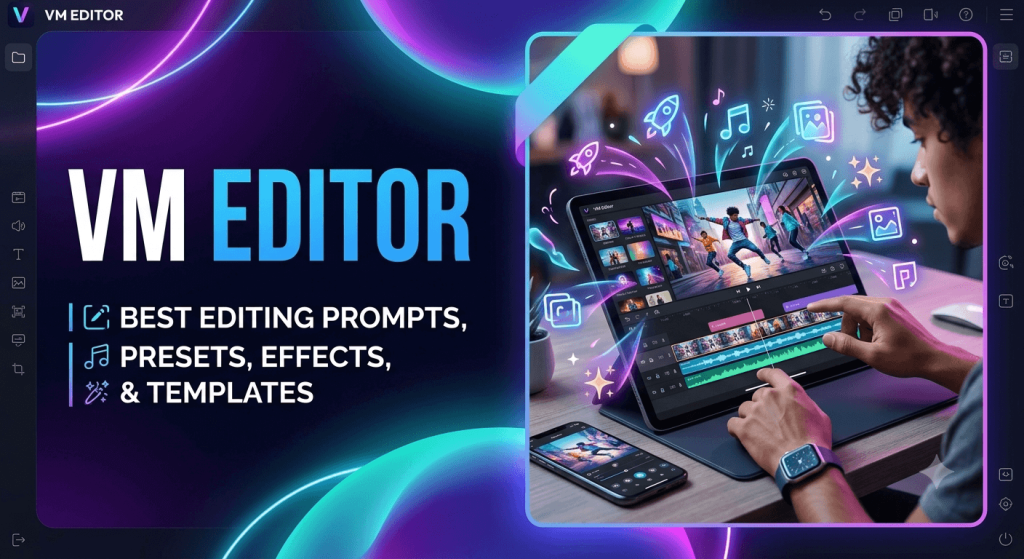
Want your reels to actually get views? VM Editor gives you the same AI photo prompts, CapCut templates, and Lightroom presets creators are using right now to go viral on Instagram and TikTok. No editing skills needed just pick a template, drop in your clip, and post.
- Trending AI Photo Editing Prompts
- One-Click CapCut Templates
- 100+ LR Presets & DNG Files
- VN & Alight Motion Templates
Latest Posts
- Anime Face CapCut Template Link – How to Create Viral Anime Face Edits 2026

- Jawan CapCut Template For Viral Movie Edit Download 2026
- Instagram User Sad AI Photo Edit | Old Memories Prompt
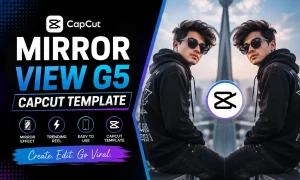
- Mirror View G5 CapCut Template: Viral Mirror Edit 2026
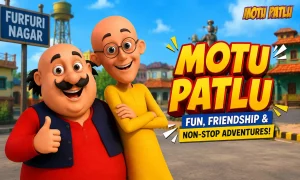
- Motu Patlu AI Photo Editing ChatGPT Prompts 2026
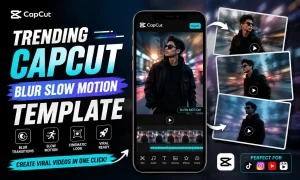
- Trending CapCut Blur Slow Motion Template Download 2026
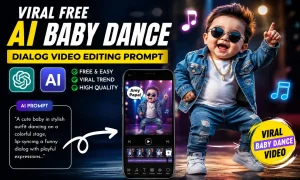
- Viral Free AI Baby Dance & Dialog Video Editing Prompt 2026
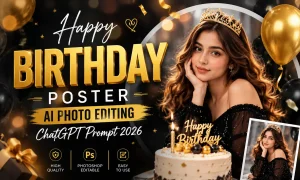
- Happy Birthday Poster AI Photo Editing ChatGPT Prompt 2026
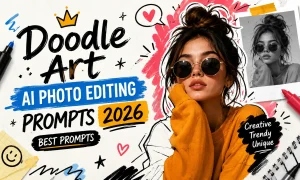
- Doodle Art AI Photo Editing Prompts 2026 | Best Prompts
What Is VM Editor?
VM Editor is a free resource hub for reel editors, built for creators who want cinematic-looking content without learning complex editing software.
As short-form video took over Instagram and TikTok, the bar for “good enough” editing kept rising. This app closes that gap by giving you ready-to-use assets instead of a blank timeline:
- AI photo editing prompts
- Viral reel editing tutorials
- Cinematic transition effects
- CapCut and VN templates
- Lightroom presets
- Trending Instagram edit ideas
Everything is free, and new drops are added as trends change, so you’re never editing with last month’s style.
AI Photo Prompts
Generate cinematic & aesthetic photos with the right prompts for any AI tool.
Reel Tutorials
Step-by-step guides for edits that are trending on Instagram & TikTok.
1-Click Templates
Pre-designed filters, effects, and sounds just tap and edit instantly.
LR Presets
Moody, warm, cinematic color grades ready to apply in one tap.
Vm editor AI Photo Editing Prompts
AI-generated photos are everywhere on Instagram right now, but getting the exact look you want depends entirely on the prompt. Below are prompt packs tested to produce consistent, cinematic results:
Trending Lighting Photo Editing Prompt
Movie Style New Poster Style AI Photo Editing Prompts
Viral Aesthetic AI Photo Editing Prompts 2026
Trending AI Aesthetic Cartoon Photo Editing Prompt
Viral AI Couple Photo Editing Prompt Trending AI Couple Prompt
AI Video Editing Tutorials
Beyond photos, VM Editor also breaks down trending AI video edits step-by-step, so you can recreate the effect without guesswork:
Some AI video editing tutorials are given below:
Trending AI Cricket Stadium Viral Image To Video Editing Prompt
Viral AI Boys Sad Flower’s Reels Editing Tutorial | Viral AI Video Edit
Trending Princess Girl AI Video Editing Prompt
Trending AI Vegetable & Fast Food Explain Object Video Editing Prompt
Holi Ai Baby Dance & Dialogue Reels Editing Tutorial
Tokyo Drift Reels Editing Tutorial
Trending AI Modi Ji Funny Fighting & Bike Accident Video Editing Prompt
VM Edits CapCut Templates
Most viral reels are built on a CapCut template, not edited from scratch. VM Editor’s templates come with the filters, transitions, and sound already set — you just drop in your footage.
Also try og template & Vikas Edit.
Some famous and trending CapCut templates are:
VM Templates & Editing Tutorials
VN is one of the most advanced free mobile editors around, and it’s what a lot of top creators use for cinematic reels and YouTube Shorts. VM Editor pairs VN tutorials with ready-made templates so you can match the exact look:
Some famous VN templates and tutorials are given below:
“Khon See Jaat” Reels Editing Template
Aise Vaise Song VN Code
Old School Jiye (Azul) Song VN Template
VM Edits Lightroom Presets for Photo Editing
Manually adjusting shadows, contrast, and skin tone in Lightroom takes real practice. These presets skip that step, tap to apply moody, warm, or cinematic grading instantly:
Top 100 Lightroom Video Editing Presets
Top 10 Lightroom Presets DNG Link
New LR Photo Edit Preset 2026
Apps Supported
The VM photo and video templates are designed using different editing apps. So you can select your preferred app templates and start editing video clips. Here is a list of apps used for VM edit:
CapCut
For creating viral reels
VN Video Editor
For cinematic effects
Alight Motion
Used for motion graphics
Adobe Lightroom
For color grading
Why Creators Use VM Editor
Here are some reasons the VM Editor is popular on social media.
01
Simple One-Click Editing
Most of the templates are complex to understand and use. But the VM templates are simple; you can edit them with just one click.
02
Latest & Trending Templates
You will get the latest and trending editing templates that are famous on Instagram and TikTok these days.
03
Unlimited Free Editing Resources
You will find unlimited free editing resources on the VM Editing platform, such as presets, templates, editing prompts, and reel templates.
How to Create a Viral Reel
With the help of VM editing templates, it will be easy for you to create viral reels and other social media content. You can follow these techniques to create viral reels. When in doubt, visit the official site: VMEditor.in. It’s safe, direct, and gives you all the info you need before installing.
Conclusion
With the VMEditor, you don’t have to search for any other editing resources platform. This is because it provides all the essential resources that you will need for the viral and best reel creation. Like, you will get free AI photo-editing prompts, cinematic presets, and viral reel-editing tutorials. In 2026, the social media content strategy is changing due to AI.
So, you must also use AI-powered editing and cinematic reels to be a part of this competition. If you want a mobile video editor that works fast, looks clean, and actually fits the way you create, VM Editor is a smart choice. Just be sure to grab it from the right place VMEditor.in and you’ll be ready to edit in minutes.